Career Companion
A mobile app that gives career-changers the community they wish they'd had — informed, diverse, and one tap away.
- Client
- Team UX Project
- Role
- UX Researcher & Interaction Designer
- Year
- 2022
- Duration
- 3 weeks
Context
Career changers are flooded with generic job boards and isolated advice, but starved of the one thing they actually ask for: people who've been where they are. Over three weeks, our team set out to design a tool that would lower the emotional and informational barriers to pursuing a new career.
The problem
How might we give career-minded individuals access to a diverse, informed community so they feel secure, informed, and empowered to make career choices?
Approach
Recruited a real cross-section
Ran a screener survey to assemble 13 interviewees spanning career changers, working professionals, college students, and people still searching for an ideal path — so the insights wouldn't skew to one moment in a career.
Listened for the throughline
User interviews surfaced the same quiet wish across every cohort: people wanted to hear from someone who had been just as confused, and then figured it out. Community support — not more content — was the recurring ask.
Mapped the market gap
Compared three direct and three indirect competitors (LinkedIn, ADPList, Reddit, MeetUp, and others) in a feature inventory. Most platforms offered resources; very few offered specialized community support. That gap became our wedge.
Designed in studio, tested early
Ran two design studio sessions to converge on a single user flow, then animated low-fi sketches in Marvel for an early round of usability tests before investing in the Figma prototype.
The solution
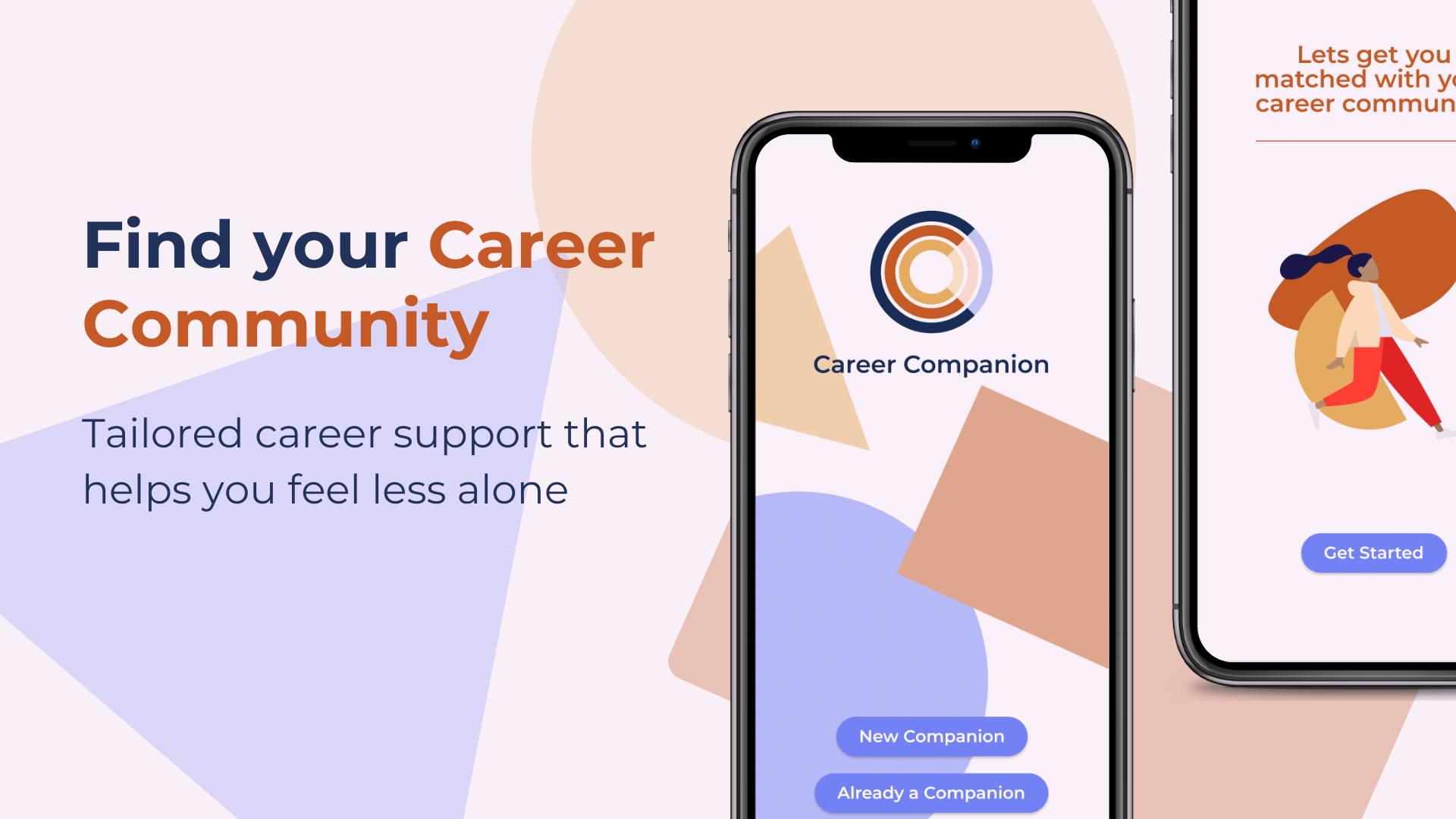
A mobile app that uses an onboarding quiz to drop users into the right career communities — with mentors, events, and Q&A surfaced in one feed.
Onboarding that routes, not interrogates
A short quiz captures interests and goals, then places users into specific communities (e.g. Women in Tech) so the first screen after sign-up already feels relevant — not empty.
A home feed built from your communities
The homepage stitches together posts, events, and resources from each community a user joins, so exploration and accountability live in the same surface instead of fragmenting across tools.
Mentors made obvious
Mentors are visually distinguished inside community member lists, with a direct path to message or request a 1:1 — closing the gap between 'I should talk to someone' and actually doing it.
A calm, inclusive visual system
A muted palette (blue for security, yellow for optimism, orange for encouragement), a readable sans-serif, and simple humanoid illustrations with varied skin tones keep an information-dense product feeling welcoming.
Outcomes
80%
Of usability test users said the app would solve their career struggles
13
User interviews across changers, professionals, students, and seekers
4
Prioritized prototype changes shipped from usability findings
Process visuals
Click any image to open the gallery — use arrow keys or the on-screen controls to navigate.
Reflection
Three weeks taught me that research is the loudest voice in the room when a team disagrees. Our first design studio stalled because we each had a different favorite idea; coming back to the interview quotes the next day made the right call obvious. I also learned to test the cheapest artifact possible — animating sketches in Marvel caught navigation problems we would have wasted days building in Figma.
Keep exploring